
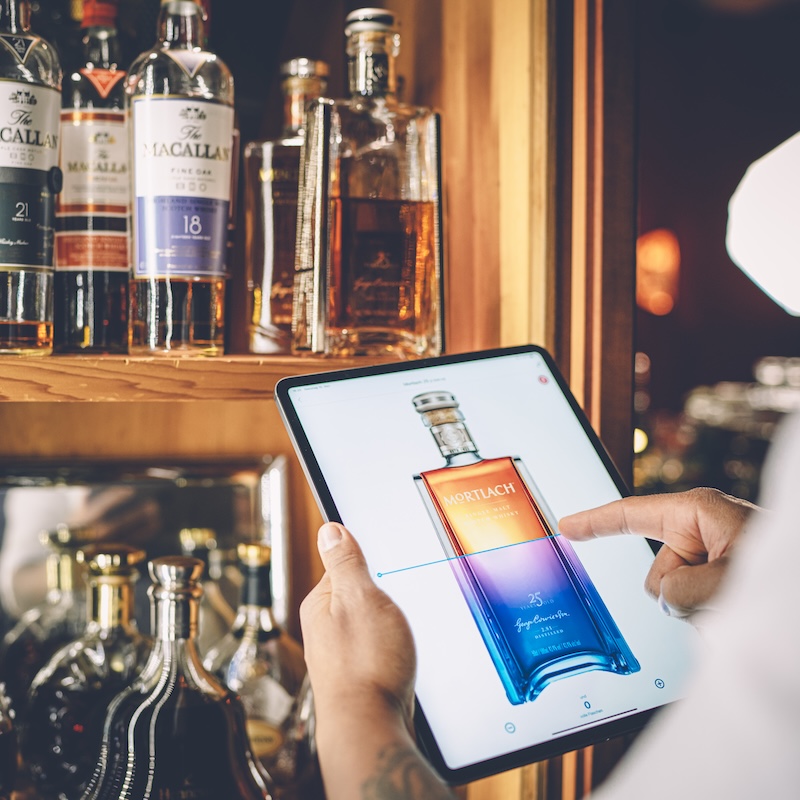
How do I set up BarBrain after my first login?
Learn how to set up BarBrain optimally after your first login.
To set up BarBrain optimally for your business, follow these steps:
1. Create areas:
Set up all relevant areas of your business, e.g.:
• Food: For all food items and ingredients.
• Beverages: For alcoholic and non-alcoholic drinks.
• Non-food products: For paper goods, empties and consumables.
2. Add sub-areas:
Divide your main areas into meaningful sub-areas to make your inventory even easier. Examples:
• Bar: Split into Bar Shelf, Bar Fridge or Bar Top Section.
• Kitchen: Split into Refrigeration, Dry Storage and Cooking Area.
3. Add products:
• Search for products in the BarBrain catalogue or add your own custom products.
• Enter purchase and deposit prices to simplify your calculations.
4. Save everything:
Make sure all areas and sub-areas are set up correctly before starting your first inventory.
Any further questions?
Our team is happy to help. Simply contact us at hello@barbrain.com 😊.
.jpg)
Vereinbare jetzt eine Demo!
Du willst Deine Inventur verbessern? Dann wird es jetzt Zeit, eine unverbindliche Demo zu buchen.
