
Recipe Management & Costing
BarBrain ensures that food and drinks are correctly costed, profitable and ready to serve. This gives you full control from costing right through to the kitchen.
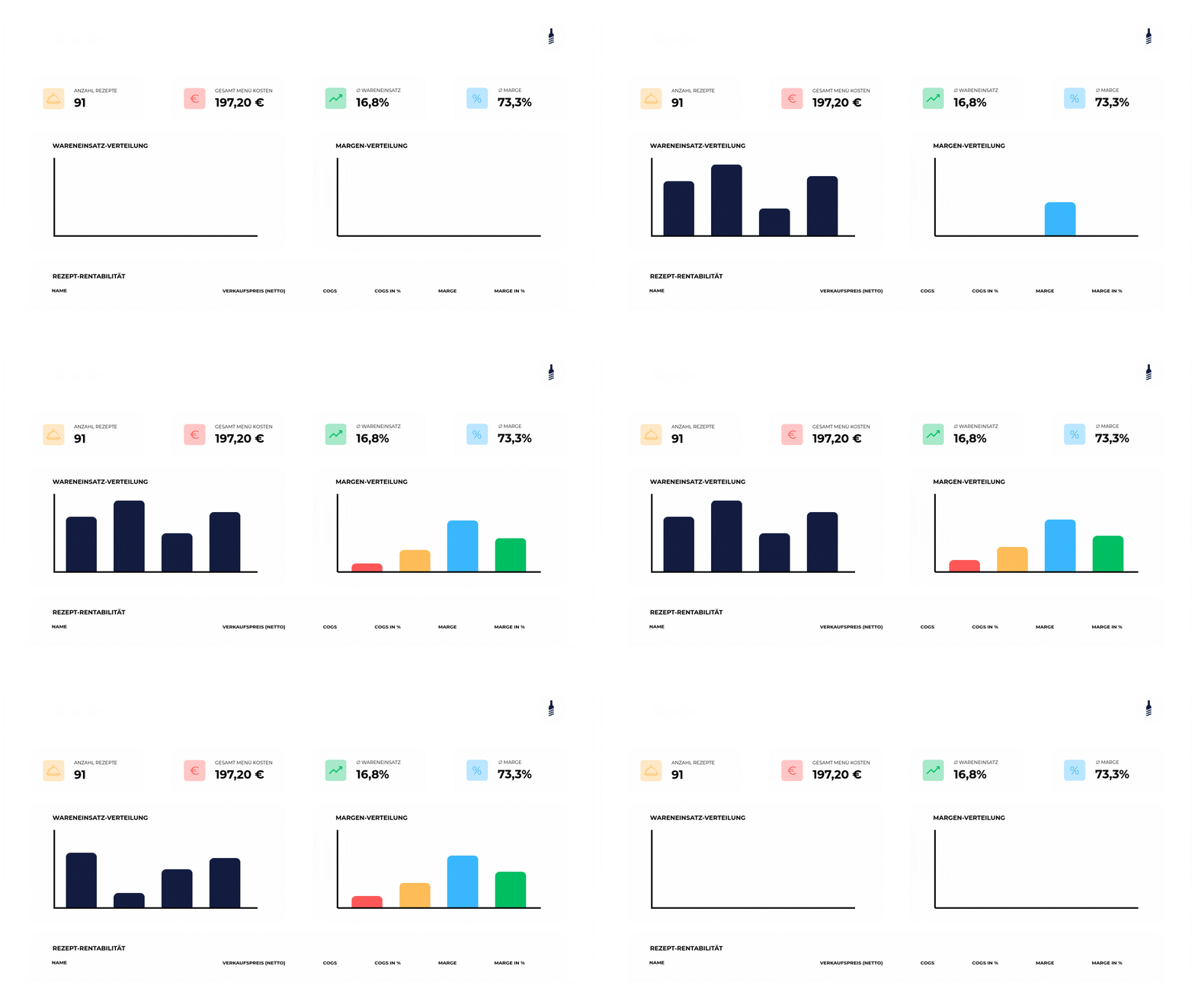
Gain control over spending – for higher profits
BarBrain shows you where costs arise and how margins develop – clearly, transparently and without extra effort. That’s how digital recipe costing works.

All recipes in one place
With BarBrain you manage all food and beverage recipes in one central location.

Margins and costs at a glance
We make it instantly visible how costs and margins per recipe develop.
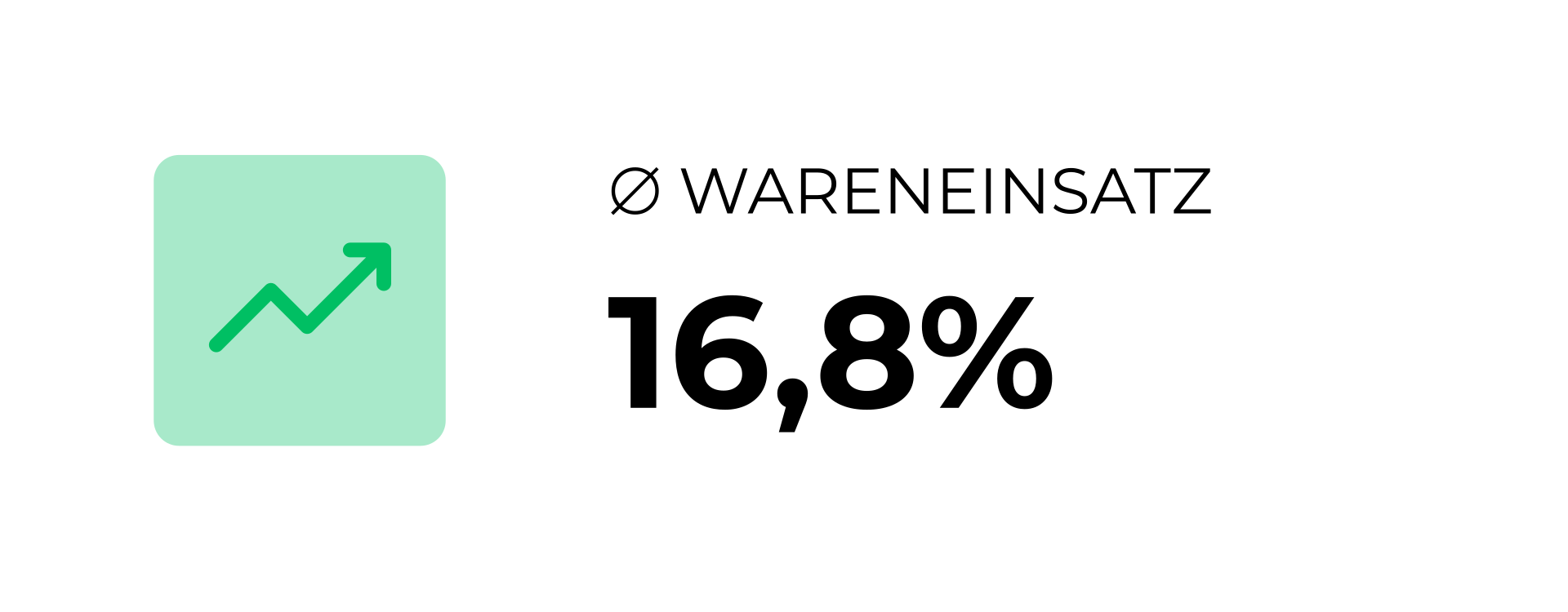
Cost of goods calculation
Calculate cost of goods based on real quantities, prices and recipes.

Transparent reporting
Receive clear reports on costs, consumption and variances.

Versioning & approvals
Maintain recipes in one place and share them across all departments – from kitchen to finance.

Ingredients & allergens
Document ingredients and allergens cleanly and consistently per ingredient.
Our Features
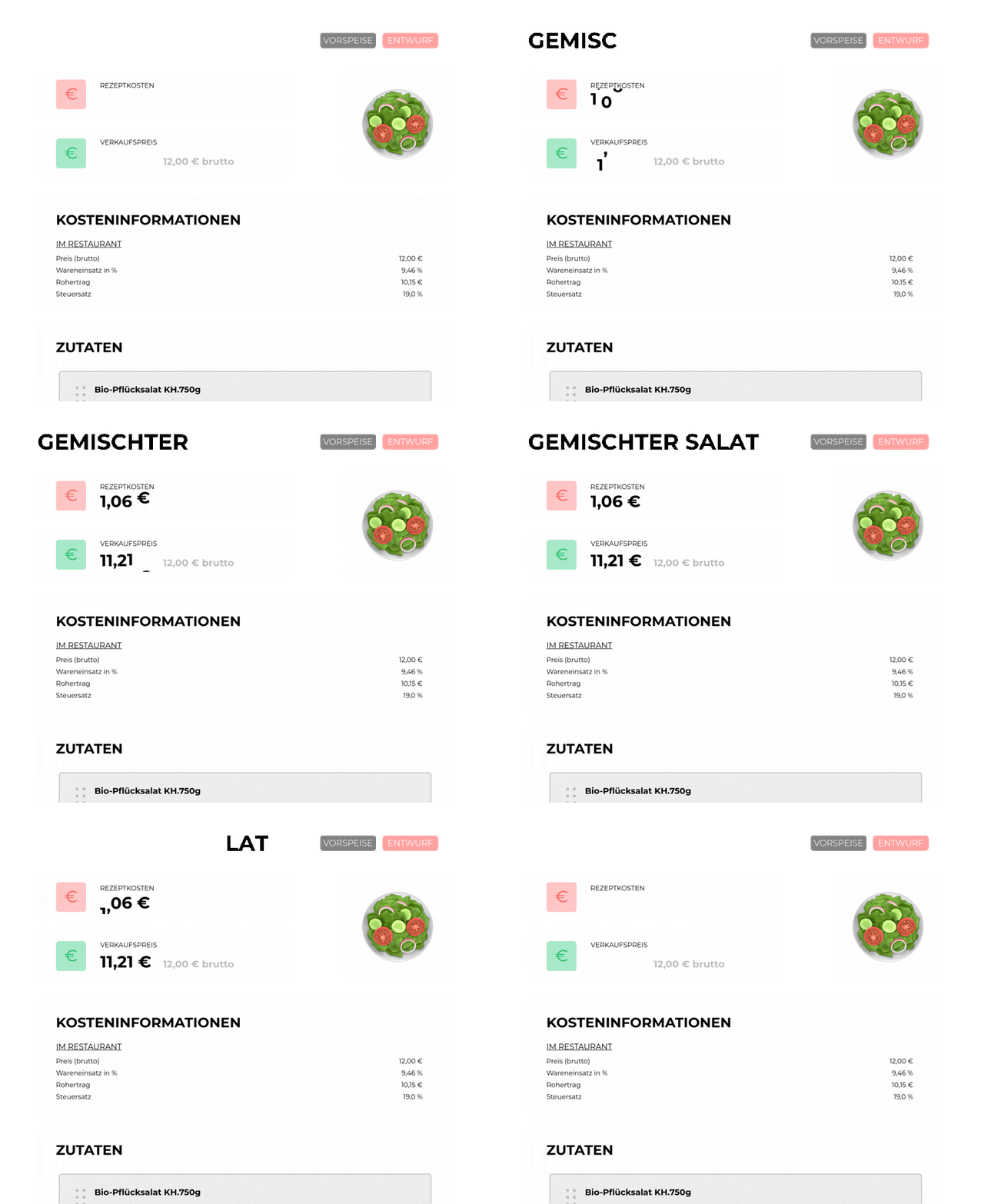
Digital and printable recipes
- Give chefs instant access to recipes and prep steps – on desktop or mobile
- Download or print recipes for kitchen stations without breaking the layout
Base & prep recipes
- Create finished dishes, semi-finished and prep recipes (e.g. sauces, doughs, marinades) as well as non-stockable recipes – all in one place
- Recipes are directly linked to ingredients, so changes are automatically reflected
- Assign recipes to specific brands, menus or locations

Customised for your industry
Whether you run an independent bar, a bustling restaurant, a trendy nightclub or a 5-star hotel – our customers have come to love BarBrain.


How to get started with BarBrain
Getting started with BarBrain is quick and easy. In just a few steps you can digitise your inventory and make the entire process more efficient.
Book a demo
Book a free demo where we’ll introduce you to BarBrain and find out whether we can simplify your inventory.

Account-Setup
Once we’ve worked out how BarBrain can simplify your inventory, it’s time for setup. You can do it yourself at any time – or our team is always happy to help!

Start calculating
Now you’re all set and from here on you’ll have a better overview of your real costs, expenditure and margins.



L'Osteria x BarBrain
See how L’Osteria uses our software and saves time every month.
See how L’Osteria uses our software and saves time every month.
Frequently Asked Questions (FAQ)
How do I get started with BarBrain?
To get started with BarBrain, simply book a demo with us at any time. Together we’ll find the right setup and walk you through all the key points so you can run your next inventory with BarBrain.
What types of businesses is BarBrain suited for?
BarBrain is ideal for all hospitality businesses, including bars, restaurants, nightclubs and hotels – regardless of size. It works equally well for owner-operated single venues and large chains with multiple locations.
How many users can use the app at the same time?
BarBrain allows multiple users to work in the app simultaneously. You can invite your colleagues so they can work in parallel across different locations or tasks.
Is there a free trial?
Yes, BarBrain offers a 30-day free trial in which you can try all features of the app without any restrictions.
How much does BarBrain cost?
The cost of using BarBrain depends on the number of locations and the specific requirements of your business.
Can BarBrain manage multiple locations?
Yes, you can manage multiple locations in the app and run a separate inventory for each one. This is particularly useful for businesses with several branches or sites.