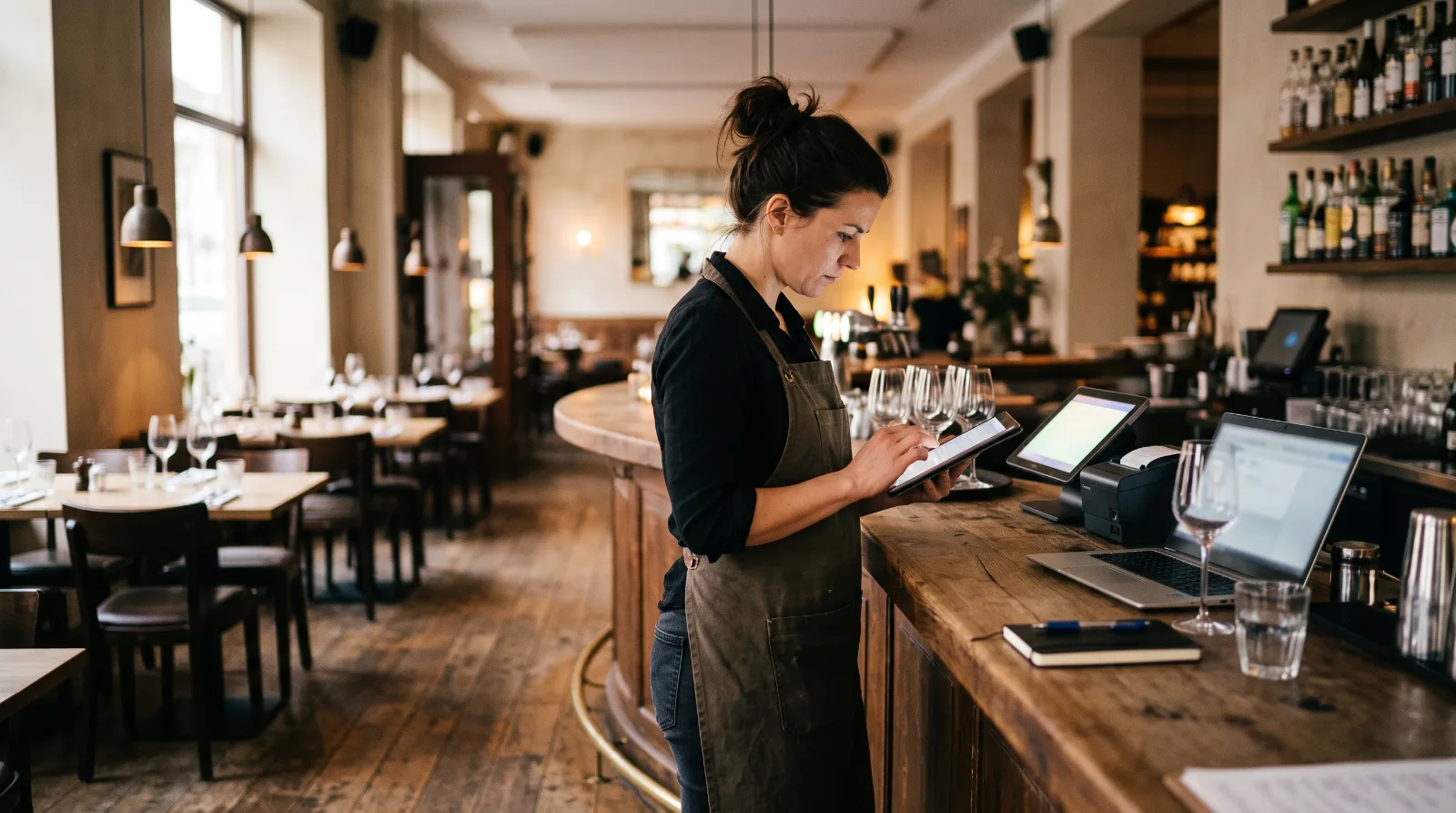
Stocktaking software for hospitality replaces clipboard, pen and Excel with a digital stock count – faster, more accurate and with automatic analysis. Anyone still counting manually today is not only wasting time but also risking errors that directly affect cost of goods.
But which stocktaking app suits which venue? The market ranges from specialised stocktaking apps through modular platforms to comprehensive inventory management systems. This article compares eight providers, shows their strengths and limits – and helps you make the right decision for your restaurant, bar or hotel.
Why digital stocktaking matters in hospitality
Regular stocktaking in hospitality is not optional but mandatory – for tax and business reasons. Even so, many venues work with paper count sheets or improvised Excel spreadsheets. The result: incorrect stock levels, undetected shrinkage and a cost of goods based on estimates.
Digital stocktaking software solves these problems. The key benefits:
- Time savings: With digital stocktaking you save up to 70% of the time compared with the manual method. Several team members count in parallel, and results are merged automatically.
- Accuracy: No transcription errors from paper to Excel. Opened bottles are recorded via slider or percentage input – instead of being estimated.
- Target-vs-actual comparison: With a POS integration, the software compares actual consumption with theoretical consumption from POS data. Variances make shrinkage, breakage and theft visible. More on detecting shrinkage and breakage.
- Automatic reports: Stocktake reports are ready straight after counting – no manual adding up, no reworking.
- Traceability: In a tax audit, digital stocktake data is far more reliable than handwritten lists. Tax offices (Finanzämter) increasingly expect complete, traceable documentation – digital systems deliver exactly that.
An often underestimated effect lies in frequency: if you count monthly instead of once a year, you spot variances early enough to correct course within the current month – instead of only seeing them in the annual accounts, when the margin is long gone.
Stocktaking software for hospitality – the main providers compared
| Software | Focus | Price from | Ideal for | Key feature |
|---|---|---|---|---|
| BarBrain | Stocktaking | from €52/mo | Bars, restaurants, hotels | Fill-level slider for opened bottles |
| FoodNotify | F&B platform | on request | Hotels, chains, catering | End-to-end data flow from order to report |
| Apicbase | Back-of-house | on request | Multi-unit, franchise | Menu engineering & food cost analysis |
| MarketMan | Back-of-house | on request | International chains | Broad POS integration (Toast, Lightspeed) |
| Supy | Enterprise | on request | Groups with 5+ sites | Real-time variance analysis across all branches |
| Gastronovi | All-in-one | from €69/mo (POS licence), inventory management €129/mo | Mid-sized restaurants | POS + inventory management in one system, prices publicly available |
| Choco | Ordering | free for operators | Any venue (as an add-on) | Digital supplier ordering |
| Gewinnblick | All-in-one | On request | Venues that need a POS | POS, inventory management, supplier integration |
Prices as of July 2026, Gastronovi checked on 11 Sep 2026. Gastronovi publishes its terms in full in a public price overview: POS licence per device used from €69, inventory management €129 per venue plus €199 onboarding support, or a success-based plan from €39. FoodNotify, Apicbase, MarketMan and Supy do not publish list prices and price per site — no reliable figure can be given for them. As a market guide: independent sources estimate all-in-one systems at €50 to €120 per site per month.
The providers in detail
1. BarBrain – stocktaking specialist for bars, restaurants and hotels
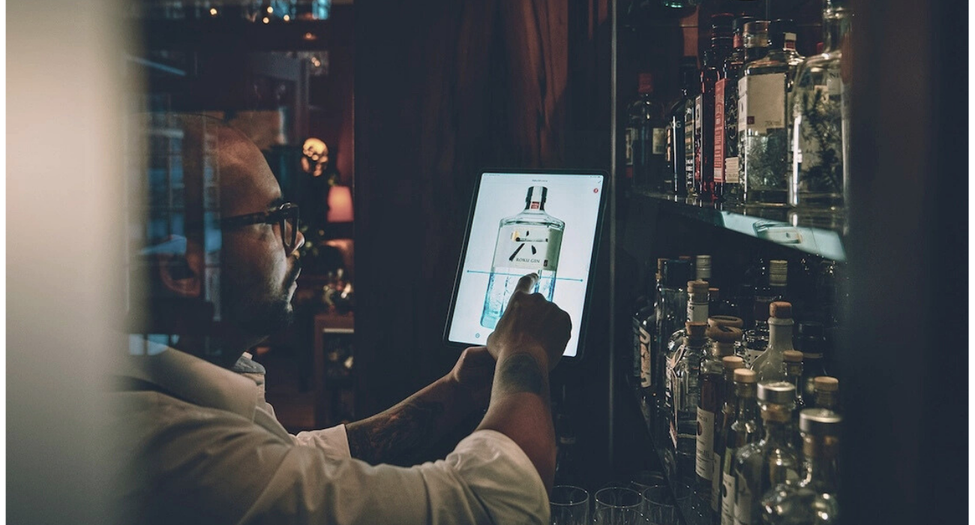
BarBrain is a mobile stocktaking app from Munich that specialises in fast, precise stock counts in hospitality. Its unique feature is the fill-level slider for opened bottles: instead of estimating, you set a slider to the exact fill level. That is a decisive advantage for bars, where open spirits make up most of the inventory.
The app runs on iOS and Android, several team members count in parallel, and the stocktake report is generated automatically. A product catalogue with over 30,000 items speeds up onboarding. Multi-location is supported. BarBrain also offers recipe management as an add-on (€29 per month), which lets you cost drink and food recipes – linked directly to the stocktake data.
Ideal for: Bars, cocktail bars, restaurants and hotels that want to digitise their stocktaking without introducing a complete inventory management system straight away.
Reference customers: Gustoso Gruppe, Schloss Elmau, Ory Bar at the Mandarin Oriental Munich and Enchilada Gruppe.
Limitation: No POS system of its own. The software deliberately focuses on stocktaking and recipe management. Examples from practice: BarBrain in a cocktail bar and BarBrain in a hotel.
2. Gewinnblick – POS system with inventory management
Gewinnblick combines a POS system with inventory management, costing and a purchasing system. Notable are the interfaces to Transgourmet, Metro and Service-Bund as well as the integration with Apicbase for extended F&B functionality.
Ideal for: Venues that want POS and inventory management from a single provider.
Limitation: A comparatively young provider. Lower market penetration than other players.
3. Apicbase – back-of-house for multi-unit restaurants
The Belgian platform specialises in menu engineering and recipe traceability. Apicbase automatically calculates the food cost of every ingredient, compares theoretical with actual consumption and provides management dashboards. The system connects to common POS systems via interfaces.
Ideal for: Multi-unit restaurant groups and franchise concepts focused on food cost control.
Limitation: Focus on food, not beverages. DACH support is available, but it is not the primary market.
4. MarketMan – the international back-of-house standard
MarketMan is an internationally established system for stocktaking, order management and recipe costing. Strength: broad POS integration (Toast, Lightspeed, Square, Clover). Every sale at the POS reduces stock in real time. MarketMan belongs to the Meal Ticket Group and is mainly used in the US and UK.
Ideal for: International restaurant chains with an English-speaking team.
Limitation: German-language support and integration with German suppliers are limited. MarketMan does not publish list prices.
5. Supy – enterprise solution for restaurant groups
Dubai-based Supy targets multi-branch hospitality businesses with 5+ sites. The platform combines procurement, inventory management, central kitchen control and business intelligence. Strong points: real-time variance analysis across all sites and multi-level approval processes for orders.
Ideal for: Large restaurant groups and franchise concepts with central purchasing.
Limitation: DACH is not the primary market. Oversized for independent German venues.
6. Gastronovi – the German all-in-one solution
Bremen-based Gastronovi combines POS, inventory management, costing, staff scheduling, a website builder and table reservations in one cloud-based platform. All modules interlock: whatever is sold at the POS reduces stock.
Ideal for: Mid-sized restaurants that want everything from a single provider and do not need to keep an existing POS.
Prices: The POS licence costs €69 per month for the first device, €59 for the second to fifth and €49 from the sixth, plus €14 cloud TSE per site. The inventory management module costs €129 per venue plus a one-off €199 onboarding support fee and includes costing and a purchasing system; alternatively there is a success-based plan from €39 per month including 50 ingredients. (As of 11 Sep 2026.)
Limitation: Inventory management requires the Gastronovi POS system. If you want to keep your POS, you have to switch.
7. Choco – digital ordering platform (add-on)
Berlin-based Choco digitises communication between operator and supplier. Instead of ordering by phone or WhatsApp, everything runs through one app: order history, chat, invoice management. Free for operators – the business model is funded by the supplier side.
Ideal for: Any venue as an add-on to stocktaking software. No stocktaking function.
Limitation: No stocktaking system, no inventory management system. Covers only the ordering process.
8. FoodNotify – F&B management platform for the DACH region
Vienna-based FoodNotify combines ordering, recipe management, inventory management, digital stocktaking, catering planning and analytics. What you order flows into stock. What you sell is booked automatically.
Ideal for: Hotel chains, contract catering and catering companies that manage several sites centrally.
Limitation: No POS system of its own. Often oversized for small independent venues.
What good stocktaking software for hospitality must be able to do
Not every piece of software with “inventory” in its name covers the requirements of hospitality. These features are decisive:
Mobile stocktaking via app: Counting must work directly in the storeroom on a smartphone or tablet – not only later on the desktop computer in the office.
Multi-user stocktaking: Several team members count simultaneously in different store areas. The results are merged automatically.
Target-vs-actual comparison: The software compares counted stock with expected consumption (based on POS data). Variances reveal shrinkage, breakage or posting errors. What does shrinkage cost in hospitality?
Stocktaking of open bottles: In bars, a large share of bottles is opened. Good bar stocktaking software records fill levels via slider or percentage input instead of “full/empty”.
Multi-location support: Businesses with several sites need cross-site reports and central product master data.
Export & reports: Stocktake reports must be exportable (Excel, PDF) and fit into existing workflows – for bookkeeping, your accountant or internal analysis. Good software delivers not just raw data but prepared reports with stock value, change versus the previous month and shrinkage rate. (Hospitality stock list: free Excel template)
Stocktaking app vs. inventory management vs. all-in-one
The terms are often mixed up. The differences matter when choosing:
| Category | What it does | Example |
|---|---|---|
| Stocktaking app | Stock counting, target-vs-actual comparison, reports | BarBrain |
| Inventory management | Stocktaking + purchasing + storeroom management + recipes | FoodNotify, MarketMan, Apicbase |
| All-in-one | POS + inventory management + staff scheduling | Gastronovi, Gewinnblick |
Many venues start with a stocktaking app because it has the biggest immediate effect: less shrinkage, better figures, less time spent. Inventory management or an all-in-one solution becomes relevant as the business grows or further processes are to be digitised.
The crucial point: a stocktaking app provides the data foundation on which everything else is built. Without precise stock data, cost-of-goods calculations, purchasing optimisation and recipe costing are only estimates. That is why stocktaking is the logical first step in digitisation – regardless of whether a more comprehensive solution follows later.
For bars with a high share of spirits, the distinction is particularly relevant: classic inventory management systems are designed for food and full containers. Recording opened bottles – the core problem of bar stocktaking – is often only rudimentary. Specialised stocktaking software such as BarBrain addresses exactly this gap. Calculating cost of goods in hospitality: formula and worked example.
Which stocktaking software suits your venue?
| Venue | Recommendation |
|---|---|
| Cocktail bar / spirits bar | BarBrain – fill-level slider for opened bottles |
| Restaurant (with existing POS) | BarBrain or MarketMan |
| Restaurant (new POS wanted) | Gastronovi or Gewinnblick |
| Hotel with several outlets | FoodNotify or BarBrain |
| Restaurant chain / franchise | Apicbase or Supy |
| Any venue (ordering) | Choco (free, as an add-on) |
The table shows tendencies, not absolute recommendations. Three factors are always decisive: your existing POS system (and whether you want to keep it), the number of your sites, and whether you only want to digitise stocktaking – or further processes such as purchasing and recipe costing at the same time. Detailed stocktaking guide for hospitality.
Frequently asked questions
What is stocktaking software for hospitality?
Stocktaking software for hospitality is a digital solution that lets operators record and analyse their stock of food, drinks and consumables and reconcile it with sales data. It replaces manual counting with pen and paper.
How does digital stocktaking work?
You open the app on your smartphone or tablet, select the store area and count the products. Quantities are entered directly, opened bottles are recorded via slider. The app calculates the stock value automatically and creates a stocktake report.
What does stocktaking software cost?
The price range is wide. Specialised stocktaking apps cost around €30–400 per month. Some providers publish their terms in full – Gastronovi, for example, at €69 per POS licence and €129 for inventory management – while other inventory management and all-in-one providers price individually per site.
Can you do stocktaking with Excel?
Technically yes, but in practice Excel quickly reaches its limits. There is no parallel multi-user counting, no reconciliation with POS data, no mobile recording in the storeroom and no integrated reporting. An Excel template can help as a first step – for regular stocktakes, software is the better choice. Hospitality stock list: free Excel template.
Which stocktaking app is suitable for bars?
Bars have a special requirement: recording opened bottles. Many inventory management systems only offer “full” or “empty” as options here. BarBrain solves this with a fill-level slider that reflects the exact amount left in the bottle.
Do I need a stocktaking app or an inventory management system?
That depends on your goal. If you primarily want to count your stock, detect shrinkage and create stocktake reports, a stocktaking app is enough. If you also want to digitise purchasing, storeroom management and recipe costing, you need an inventory management system or a modular platform.
How often should you do a stocktake?
By law, at least one stocktake per year is mandatory (year-end stocktake on a reporting date). For effective cost-of-goods control, weekly or twice-monthly counts are recommended. Digital stocktaking software is what makes this frequency possible, because the time required per count drops significantly.
Digitise your stocktaking
Many operators don’t start with a complete inventory management system but first digitise a single process: stocktaking. That makes sense, because stocktaking is where data is created. Without clean stock data, cost-of-goods analysis, shrinkage calculations and purchasing optimisation are not possible.
Starting with stocktaking has another advantage: it is quick. Instead of months-long implementation projects, a stocktaking app is ready to go quickly – with BarBrain, you do the set-up together with our team during onboarding. The first count delivers results immediately – and often reveals variances that were previously invisible.
BarBrain was developed for exactly this entry point: fast, mobile stocktaking without a long implementation and without dependence on a specific POS system. Over 1,000 venues already use the app – from single sites to hotel groups.

About the author
Lukas Graf
Managing Director


.jpeg)