
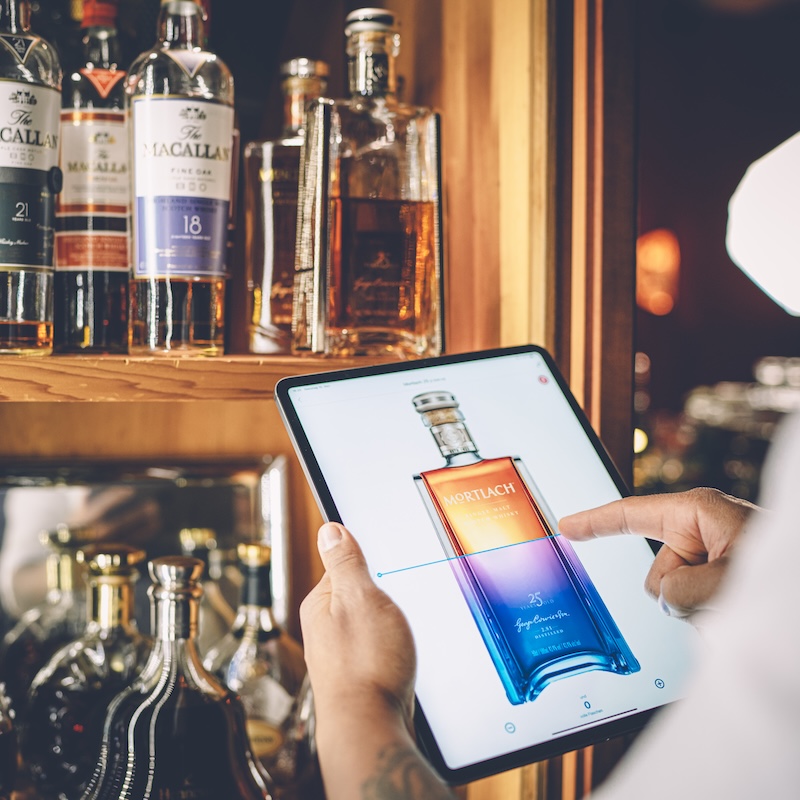
Can I save my inventory progress and continue later?
This article explains how to save your inventory progress and resume counting later.
Yes, with BarBrain you can pause your inventory at any time and resume it later. Your progress is safely saved throughout.
How it works:
1. Automatic saving:
- Your counting progress is automatically saved on your device. If you need to interrupt the inventory, no data is lost.
2. Resuming the inventory:
- When you're ready to continue, simply select the area you've already started.
- The app shows you exactly where you left off, so you can pick up seamlessly.
3. Completing an area:
- Once you've finished counting an area, you can mark it as "done" in the app.
- The inventory report is then saved in the cloud, where you can access it at any time.
Benefits of progress saving:
- Flexibility: You can carry out the inventory at your own pace without worrying about data loss.
- Efficiency: Areas can be completed independently, which is ideal for teams with multiple people responsible.
- Security: All completed areas are securely stored in the cloud.
Any further questions?
If you'd like to learn more about progress saving, feel free to get in touch: hello@barbrain.com 😊.
.jpeg)
Vereinbare jetzt eine Demo!
Du willst Deine Inventur verbessern? Dann wird es jetzt Zeit, eine unverbindliche Demo zu buchen.
