
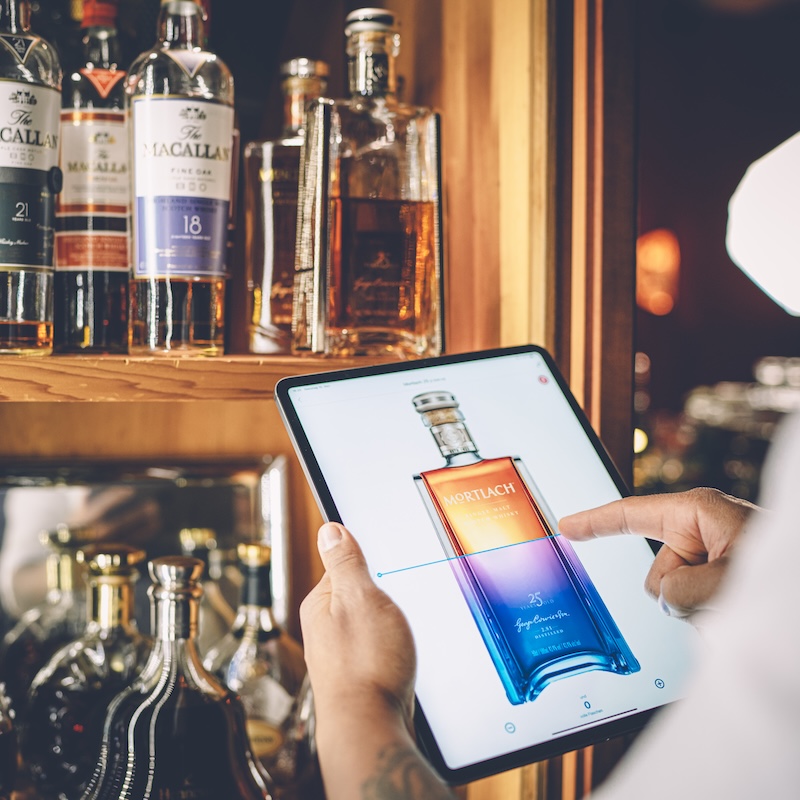
How do I create a new area in BarBrain?
This article describes how to create new areas in BarBrain to organise your inventory.
Creating a new area is straightforward. Here's how:
- Go to the home screen: Log in to your BarBrain account and open the home screen.
- Open areas: Tap "Areas" in the menu.
- Add a new area: Tap the blue plus icon and select "Create new area".
- Enter a name: Type a name for your area, e.g. "Storage" or "Refrigeration".
- Save: Tap "Save", and your new area is ready for inventory.

Vereinbare jetzt eine Demo!
Du willst Deine Inventur verbessern? Dann wird es jetzt Zeit, eine unverbindliche Demo zu buchen.
