
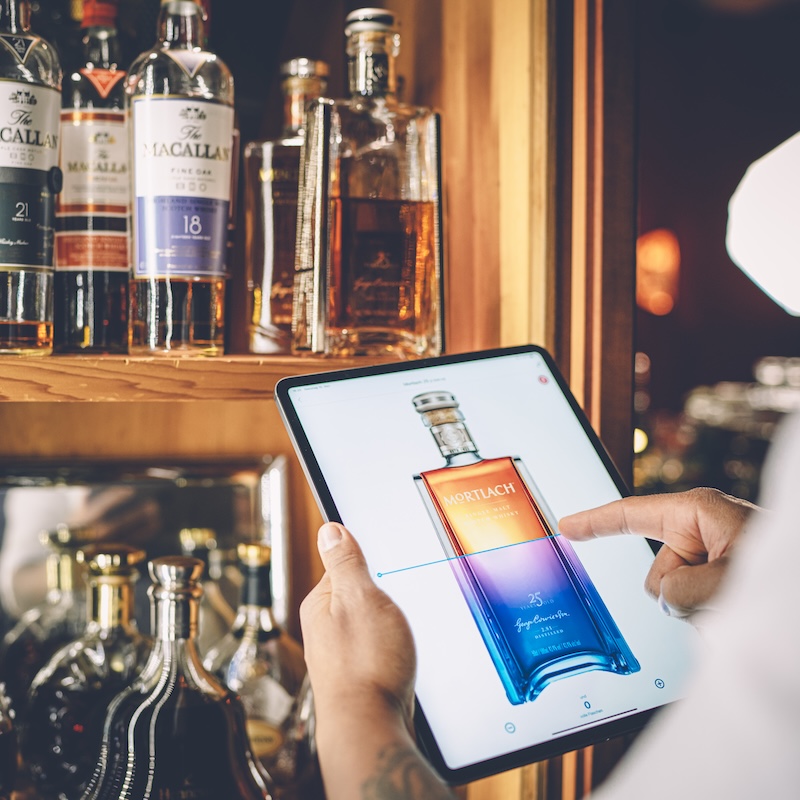
How do I get started with BarBrain?
This article explains how to get started with BarBrain, book a demo and set up your account.
Getting started with BarBrain is simple and straightforward. With our personal support, we make sure you get the most out of the platform and can start right away.
How to get started with BarBrain:
1. Book a demo:
Schedule a demo with us to discover BarBrain and discuss your individual requirements. Book a demo: Click here
2. Find the right setup:
During the demo, we analyse your requirements together and develop the right setup for your business. This includes:
- Creating all relevant areas and sub-areas.
- Setting up products and categories.
- Tips for optimising your inventory processes.
3. Try BarBrain:
After the demo, you're ready to use BarBrain for your next inventory. We show you how to use the platform optimally to save time and avoid errors.
Why BarBrain?
- Individual customisation: We set up BarBrain so it fits your business perfectly.
- Quick start: With our support, you can begin your next inventory straight away.
- Personal assistance: Our team guides you step by step.
Any further questions?
Feel free to send us an email at hello@barbrain.com – we’re happy to help you get started! 😊
.jpg)
Vereinbare jetzt eine Demo!
Du willst Deine Inventur verbessern? Dann wird es jetzt Zeit, eine unverbindliche Demo zu buchen.
