
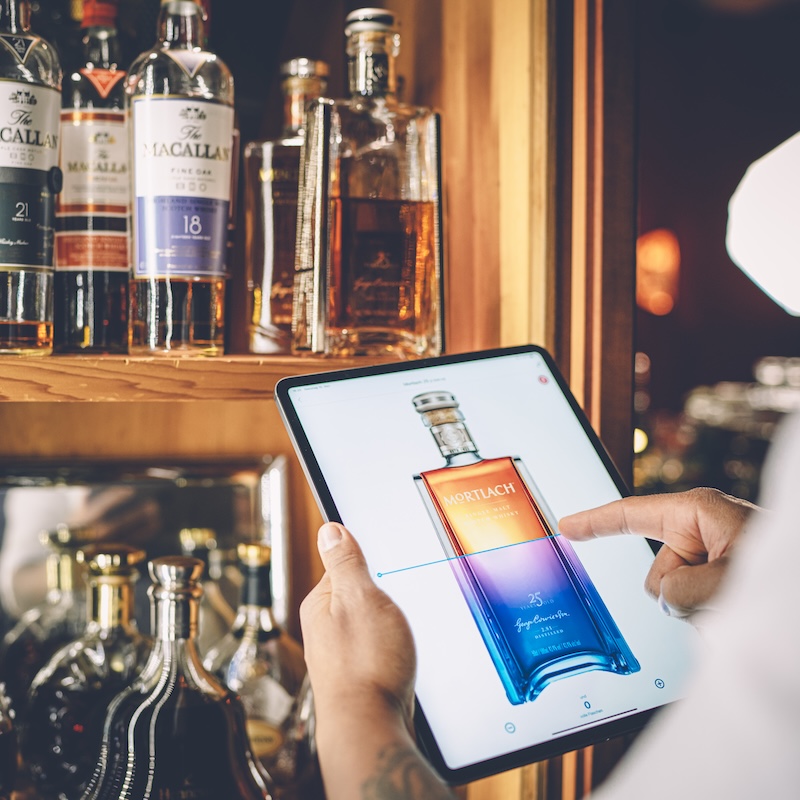
What is an area?
This article explains how to use areas to organise different storage locations in BarBrain.
An area in BarBrain is simply a place where you carry out your inventory. Examples include:
- Storage: For storing products.
- Refrigeration: For temperature-sensitive goods.
- Bar: For counter areas or other serving spaces.
Why do you need areas?
- Organisation: So you can keep track of everything.
- Flexibility: You can create as many areas as you like.
- Efficiency: Each area can be managed, searched and customised independently.
In BarBrain, you can create, edit, rename, duplicate or delete areas at any time — however it works best for you.

Vereinbare jetzt eine Demo!
Du willst Deine Inventur verbessern? Dann wird es jetzt Zeit, eine unverbindliche Demo zu buchen.
